The First Truth
Greetings, youngling.
Now you must take a breath and clear your mind. Your task is to learn to see what is hidden from the eyes of ordinary designers: user fears, their secret desires, dopamine spikes, and the invisible mental shields against which even the most beautiful interfaces shatter.

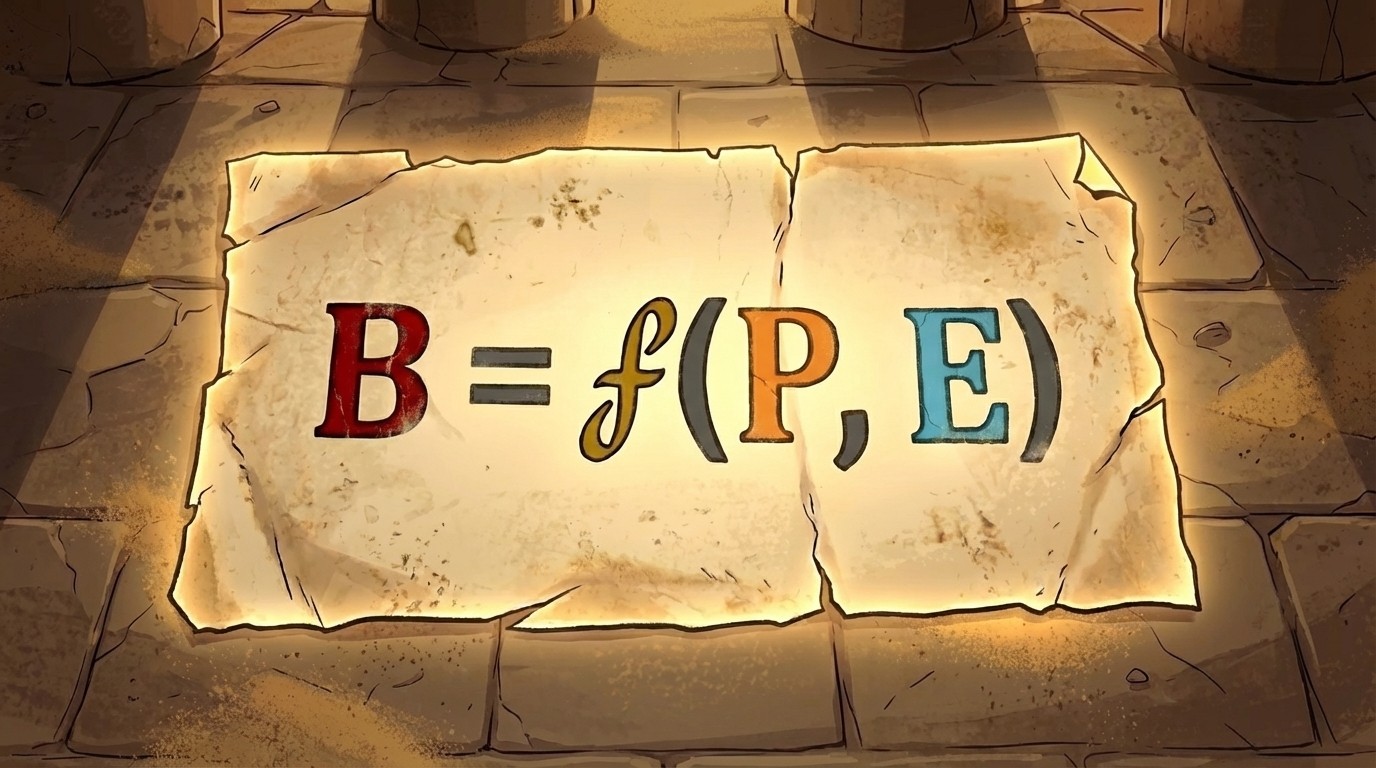
In the distant year of 1936, Master of Psychology Kurt Lewin wrote down the equilibrium formula describing the nature of all actions in the Galaxy.
The equilibrium formula explains why, in one situation, a user takes action (buys, clicks), while in another, they give up and leave.
This is the foundation upon which all UX (User Experience) is built.
Person (P)
The user's inner world. Their experience, energy level, anxiety, motivation, and the current chemical balance of the brain.
In the morning, the user might be calm as a Jedi, wearing glasses, drinking coffee; but in the evening, like a tired Stormtrooper: drained of energy, glasses left behind, a heavy bag in one hand, and a ringing phone in the other.
We cannot command the user: "Don't get tired!" or "Pay closer attention!" We accept them as they are in the moment and account for it.

Environment (E)
The external context. Your interface, spaceport noise, a deadline, a crying baby in one's arms, text on the screen.
This is the only thing we control indirectly. When the user gets stuck...

The Dark Side whispers:
The user is stupid, the problem is in the Person (P).

The Jedi Way is to say:
No, UI is complex, the problem is in the Environment (E).
If the sun is too bright for the user, we cannot turn off the sun outside, but we can make the text high-contrast.
If it is difficult for them – we remove the clutter and make it simple.
You must always remember the hidden menace. What matters is not just what you have drawn, but what the user perceives. If a button exists, but it is gray and inconspicuous, then for a user without glasses, it does not exist.

Behavior (B)
Behavior is what the user did in the physical world. Pressing a button, a swipe, entering data. This is the only irrefutable fact.
Action (B) is born at the moment of collision between Person (P) and Environment (E). You cannot consider them separately.

Function (f)
Important nuance. This is not addition, but multiplication. Everything depends on each other.
If the interface is terrible, even the most motivated user will not cope.
If the user is exhausted, even a perfect interface won't save them if it is too complex.
A true Jedi doesn't hope for perfect people. He designs a droid... that is, an interface that helps the user, even when they are having a "bad day", have a headache, their battery is dying, and it's pouring rain outside.
The Master's Way: release the handbrake
Lewin taught that two forces always act on the user:
Gas (Motivation): Desire to buy, interest, discounts.
Brake (Barriers): Laziness, fear of making a mistake, complex registration form.
The mistake of many younglings is pressing the gas. Trying to motivate a tired user with beautiful pictures when they simply can't find the button. The Master's Way is to first release the handbrake.
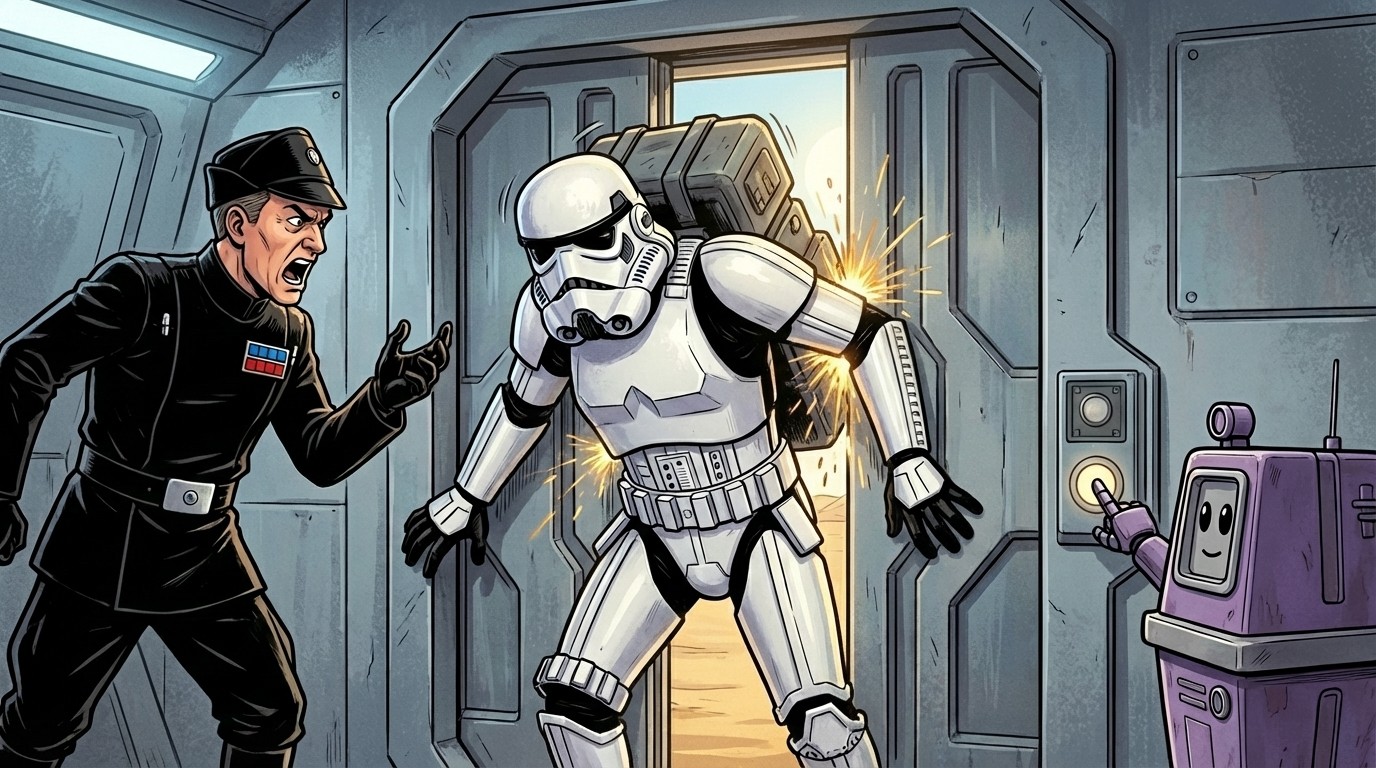
It is useless to shout at a stormtrooper or promise "mountains of gold" to a user (increasing motivation) if he is stuck and cannot move further; it is easier to open the airlock or remove an extra field from the form (remove the barrier).
Example 1: The Trap of Eternal Viewing
Found in Netflix, YouTube
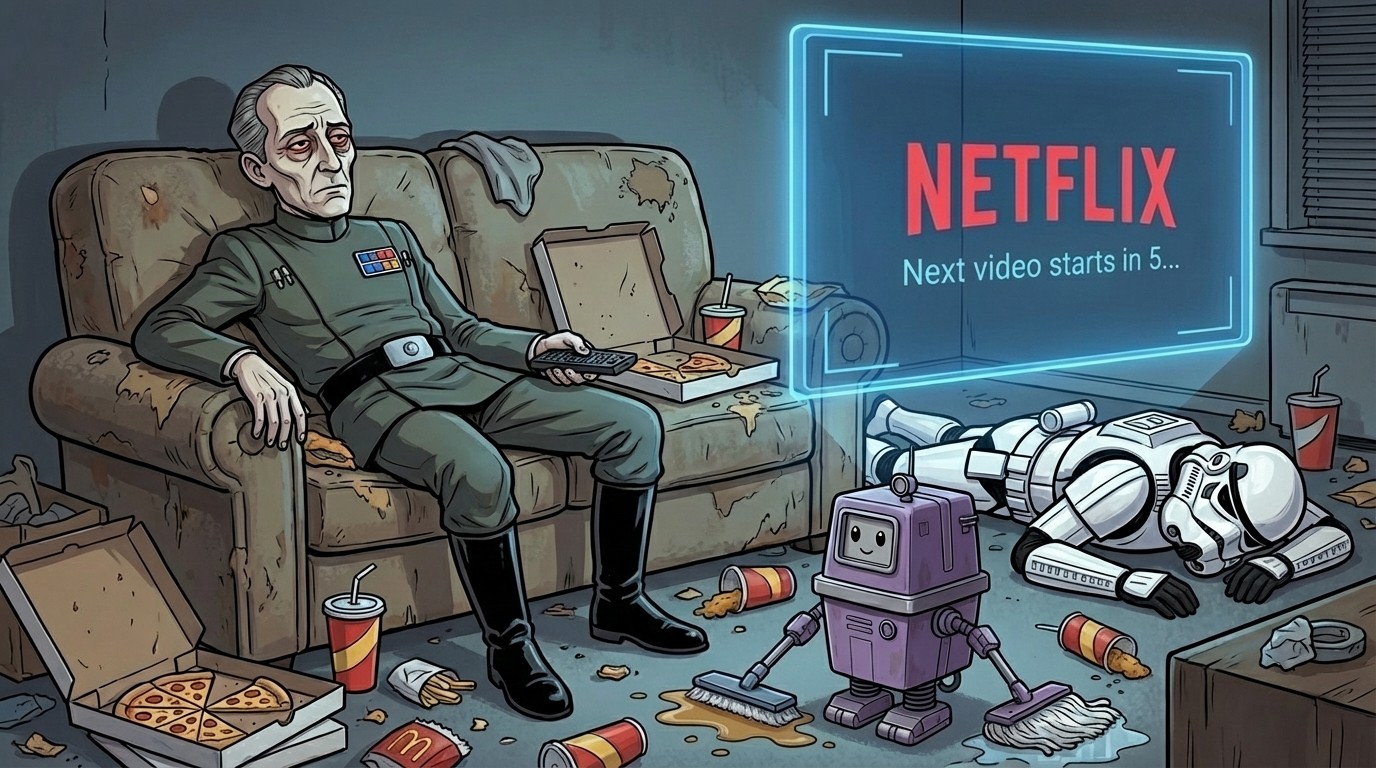
Condition (P): A tired user lies on the couch. Willpower is at zero.
Old Environment and Barrier (E): The "Watch next episode" button. Requires an active decision and hand movement. The brain has time to think: "Maybe sleep?".
New Environment and Flow (E): Autoplay. "Next video starts in 5...".
To stop, effort is required. To continue, one needs to do nothing.
Result of behavior (B): The user watches the series until dawn. The environment made the decision for him.
Netflix changes the Environment (autoplay) not just for our convenience. It directly impacts the Business Goal – watch time (Retention). Keep this in mind: in the next lesson, we will break down how business goals turn into buttons.
Example 2: The Infinity Trap
Found in Instagram, TikTok, Pinterest
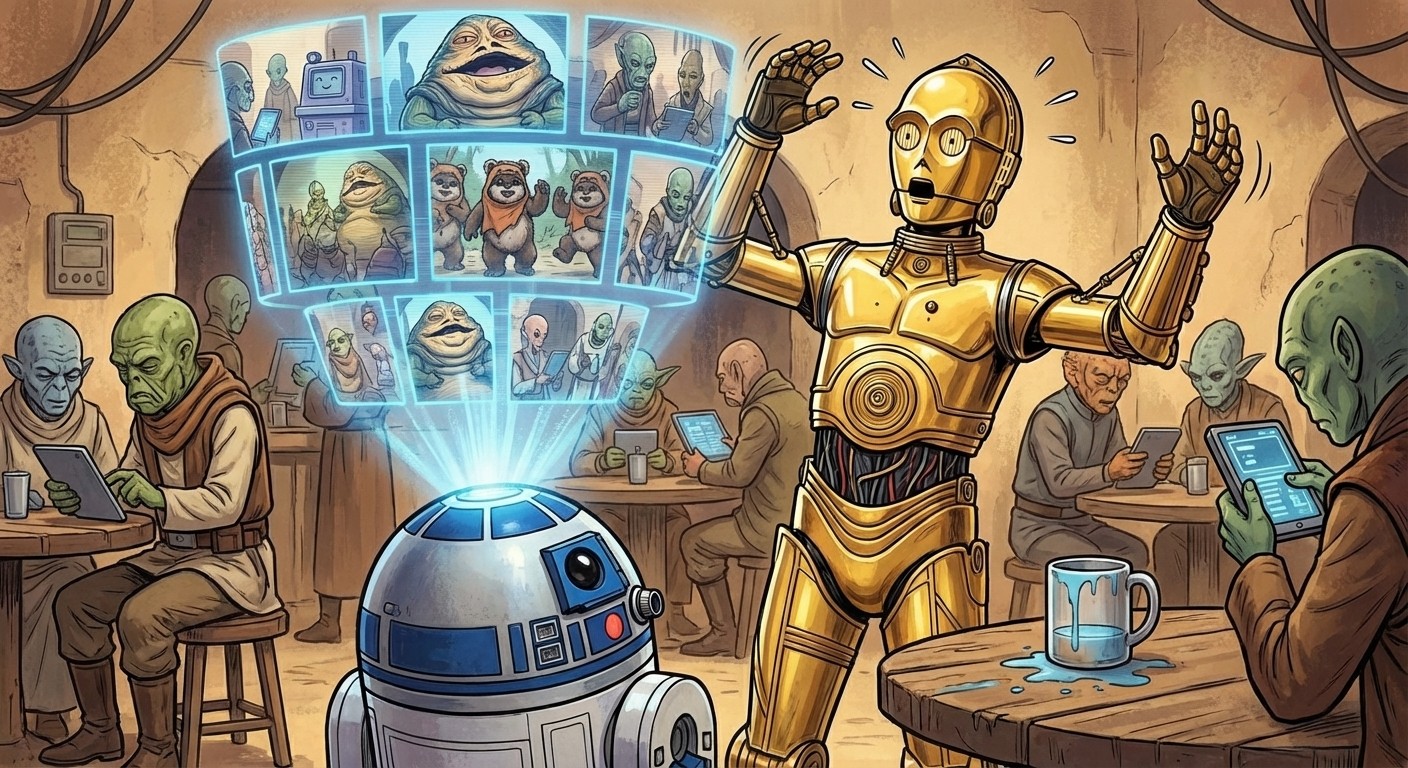
Condition (P): The user seeks knowledge or entertainment, but their mental resource is depleted, and they do not want to make decisions.
Boundaries as the old environment (E): Pagination. "Page 1... 2... Next". The end of the page is a natural brake (Stopping Cue). The brain is forced to ask the question: "Should I press the 'Next' button or go rest?". This is a chance for the user to become aware.
The Abyss as the new environment (E): Infinite scroll. Content loads before you scroll to the bottom. There are no brakes. There are no buttons. No decision to "continue" needs to be made; it has been made for you.
Result of behavior (B): Doomscrolling. The user falls into a time well for 3 hours because the environment removed the only moment when they could stop.
Do you see the pattern, youngling? In both cases, the interface that removed the need to make a decision won.
Any "Press a button" is a micro-barrier. Any "Make a decision" consumes precious brain fuel. Your task as a Jedi is to find these invisible "speed bumps" in your product that the tired mind of the user stumbles over, and remove them. Make the correct behavior (B) the easiest path.
Protocol "Clean Path 2.0"
Use this checklist to search for micro-barriers and apply the knowledge gained today to improve any user journey in your product right now.
Eliminating Physical Friction
Every click and tap is a micro-effort. Reduce them to zero.
Mask of Order. Does the input format itself? Spaces in card numbers 0000 0000, parentheses in phone numbers +1 (999) appear automatically.
Smart Keyboard. Does the correct keyboard type appear (numeric for codes, email with @)?
Reach Zone. Does the main button lie under the thumb, and are "Back/Close" accessible without gymnastics?
Keyless Entry. Do we use biometrics, Social Login, or Magic Links instead of passwords?
Target Size. Are buttons no smaller than 44x44px and do they have safe spacing from each other?
Speed and Perception
Real server speed does not matter. What matters is the interface reaction speed.
Optimistic Lie. Does the interface react instantly, without waiting for the server response? Pressed like – the heart filled in immediately. The server will respond later.
Skeleton Magic. Do we show the content structure (skeleton) instead of emptiness or an annoying spinner?
Background Work. Do we block the screen with the word "Loading..."? Never block the interface if the user can do something else.
Trust and Peace of Mind
Fear of error paralyzes. The interface must be a reliable friend.
Shield of Foresight. Do we report errors before the button is pressed? Real-time validation: "Password is too short" immediately, not after a reload.
Free Will. Is it easy to undo an action (Undo) or go back? Exiting should not be a quest.
Merchant's Honesty. Is the full price (with taxes and shipping) visible before checkout begins?
Reason for Demand. If we ask for a phone number/geolocation or other data, do we explain why and what benefit it will give?
Social Alibi. Are there reviews/ratings at the critical point of doubt?
Mastery of Learning
Do not teach everything at once. Teach at the moment of need.
Teacher in Context. Hints appear only when they are needed, or do we torture the user with a long tour upon entry? No one reads "Next-Next" tours.
Fertile Void. If there is no data (Empty State), does the screen call to action? A "Start Shopping" button instead of a dead end.
Path of Redemption. Does the error message tell how to fix it? Not "Server Error", but "Try refreshing the page".
Universal Access
A Jedi protects everyone, not just the sighted and agile.
Contrast Test. Is the text readable in bright sun? WCAG AA check, minimum 4.5:1.
Blind Monk Test. Do all icons have labels (aria-label) for screen readers?
Magnification Support. Will the layout fall apart if the user increases the system font size?
Your power lies in E, not in P
Influence the Context (E). Personality (P) is off-limits..
We cannot get inside a user's head and "make them want it." Our zone of control is the context: simplifying the interface, removing clutter, providing a hint. By changing E, we change behavior.
...that was the theory, intended to get the gears turning in your head and teach you to see the essence, discarding the unnecessary noise. The harsh reality awaits you around the corner.
In the next mission:
Why "Increasing Retention" is a trap. We’ll break down why designers burn out from abstract tasks and how to avoid it.
Decomposition down to atoms. How to turn "user happiness" into a concrete click, swipe, or text input.
Target Behavior. We will find that one single simple action that triggers a chain of changes.
Get ready, Youngling. We are starting to translate from the language of Business to the language of Interface.